01
/ The problem
You can't see the UI you just designed.
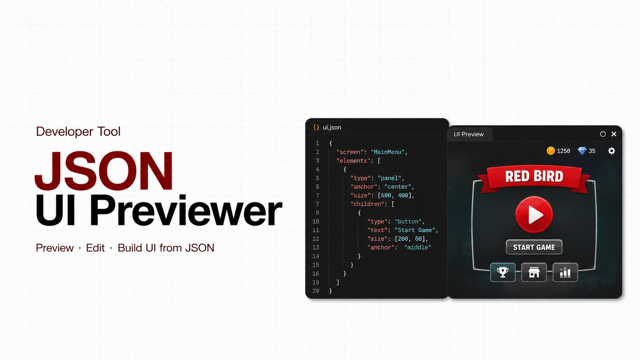
Game UIs designed in Photoshop don't ship as Photoshop files — they ship as a JSON (or plist) layout description plus a .jpg texture atlas. The moment those two files leave the designer's machine, nobody can actually look at the result until an engineer wires them into the game build. Was the export clean? Did a node land off-screen? Is the atlas slicing the right sprite for that button? You find out after a full engine round-trip — sometimes hours later.
02
/ The insight
The JSON already says where everything goes.
The exported layout file isn't opaque — it's a tree of nodes with positions, sizes, anchors, and a reference into the atlas. A previewer doesn't need the game engine; it just needs to read the tree, look up each sprite rectangle in the atlas .jpg, and draw the same node hierarchy in the browser. From there, every extra feature — interaction, drag, orientation, multi-screen — is just more behaviour on the same tree.
One folder in. A live, clickable UI out.
03
/ The build
A desktop-style window for game UIs.
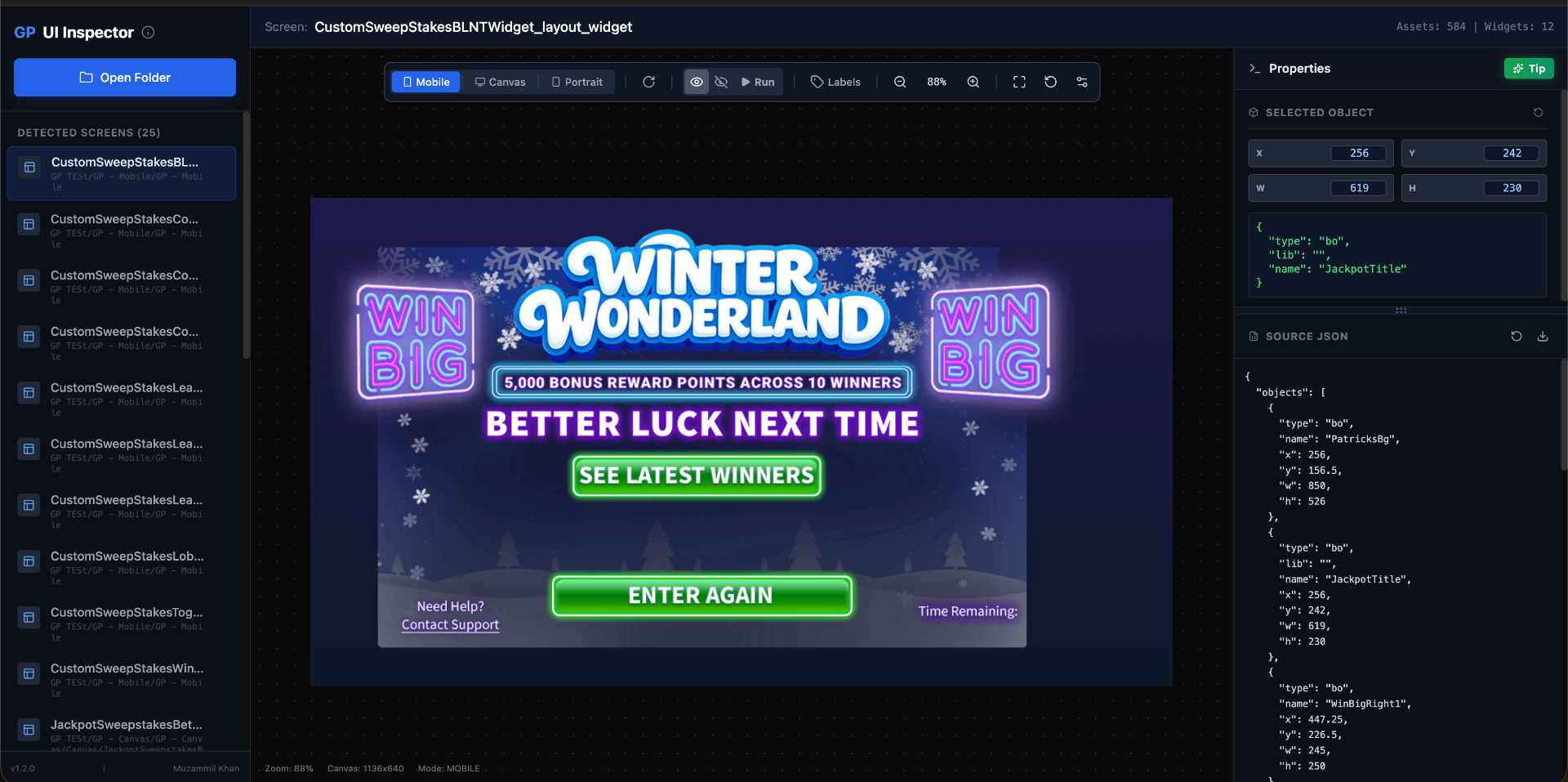
JSON UI Previewer is a React app that looks and feels like a small DCC tool: a left sidebar lists every screen in the loaded folder, the centre is the canvas, and a top bar carries the orientation, run, and view-mode toggles. Point it at a folder of exported JSON/plist + atlas files and every screen in the project becomes a clickable entry in the sidebar.
Sprite-accurate rendering. Each UI node reads its frame out of the atlas .jpg and gets drawn at the position the JSON says — no engine, no rebuild.
Interactable for real. The Run button switches the canvas into play mode — every button responds, hover / pressed / disabled atlas states swap dynamically, just like in-game.
Orientation toggle. Flip the same layout between landscape and portrait to catch anchor and safe-area bugs before they ship.
Drag-to-edit. Pick up any element on the canvas and reposition it to sanity-check spacing and alignment without re-exporting from Photoshop.
Multi-screen sessions. Load a whole app, web view, or game's worth of screens at once and jump between them from the sidebar — no reloading per screen.
Fixes the plist viewing pain. Handles the awkward .plist export path that previously had no good viewer — same tree, same atlas lookup, same canvas.
04
/ The outcome
Catch UI bugs in seconds, not builds.
The whole point is to close the loop. Designer exports the JSON, drops the folder into the previewer, and within seconds knows whether the layout, the atlas slicing, and the button states are all correct — long before an engineer ever touches the build. The plist path that used to be a black box is now just another screen in the sidebar.
/ Grab the tool
JSON UI Previewer
Open source. Clone, point it at your exports folder, and start previewing your .json and .plist UIs in the browser.